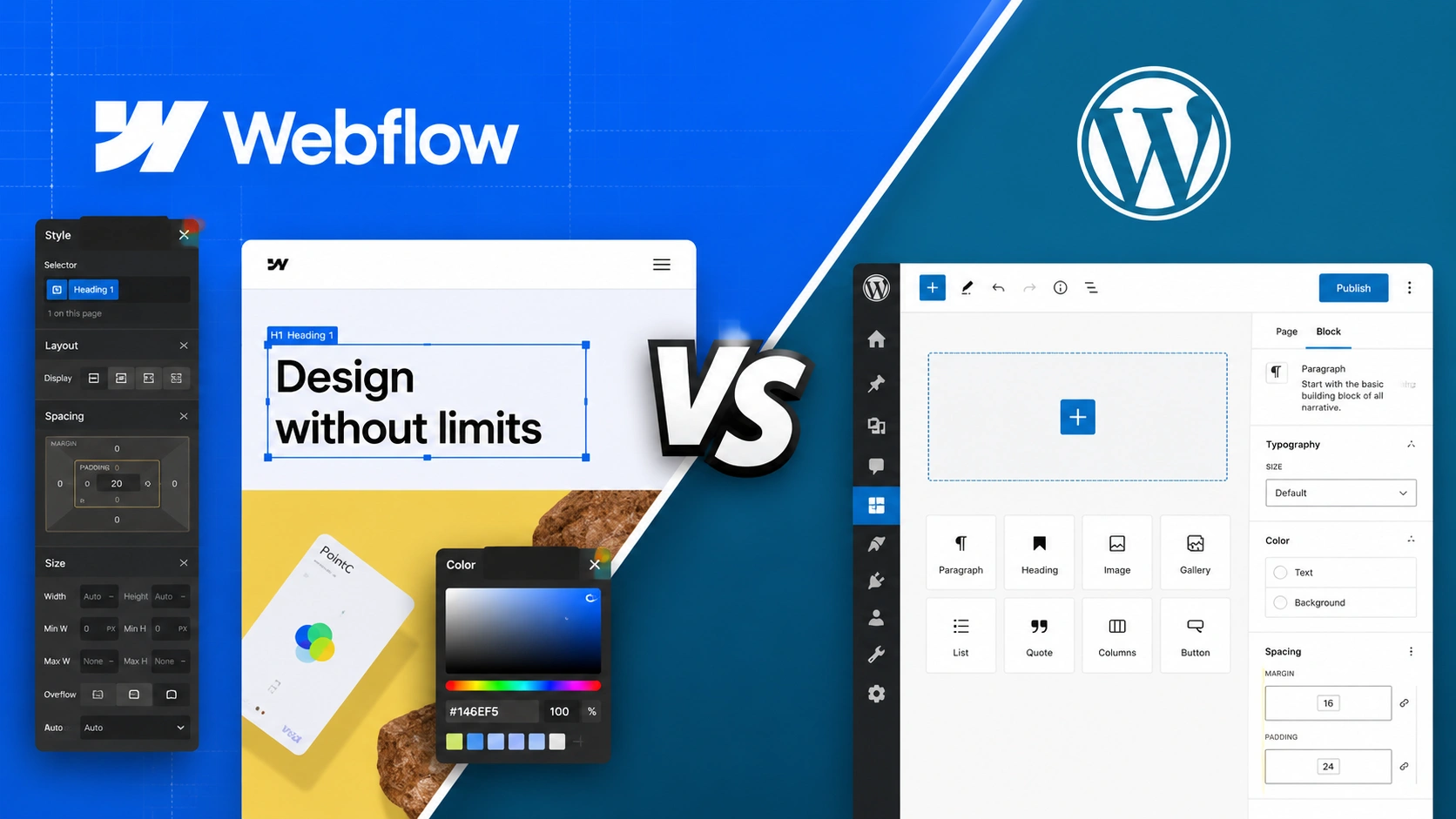
If you are building a new site in 2026, or seriously considering moving an existing one, the Webflow versus WordPress question has probably come up. And the honest answer is that it is a genuinely harder decision than it was even two years ago, because both platforms have evolved aggressively. Webflow has repositioned itself from a visual design tool into a full web operations platform. WordPress has shipped its most significant collaboration and performance update in years and is building AI infrastructure directly into its core. The old shorthand, Webflow for designers, WordPress for everyone else, no longer captures the reality.
This comparison cuts through the marketing on both sides. No platform is universally better. The right choice depends entirely on what kind of site you are running, what resources you have, and where you want to be in three years. Here is the framework to make that decision well.
Before comparing features, it helps to understand what each platform actually is, because that difference shapes everything downstream. WordPress is open-source software that you install and control. It powers roughly 43 percent of all websites on the internet, and its core strength is near-unlimited flexibility through a massive ecosystem of plugins and themes. You own your database, your files, and every line of code. With that ownership comes responsibility: you handle hosting, security, updates, and maintenance, either yourself or through services you assemble.
Webflow is a software-as-a-service platform. It bundles visual design tools, hosting, security, and a content management system into a single monthly subscription. You design your site through a visual interface that generates clean code behind the scenes, and Webflow handles the infrastructure. The tradeoff is control: you work within Webflow's system, and you do not get server-side access or the ability to extend the platform with arbitrary third-party code the way WordPress allows.
That single distinction, owned-and-flexible versus managed-and-streamlined, is the root of nearly every practical difference between the two, and keeping it in mind makes the rest of this comparison much clearer.
This is where most comparisons go wrong, because they look only at the headline numbers. Let's do it properly by considering total cost of ownership rather than just the entry price.
Webflow's pricing is straightforward and predictable. Core site plans range from roughly 14 to 39 dollars per month when billed annually, and that price includes hosting, SSL, security, and the platform itself. Ecommerce plans run higher, from around 29 dollars to over 200 dollars monthly depending on transaction volume. The appeal here is that what you see is largely what you pay. There is no separate plugin stack to assemble and maintain, and your monthly cost is genuinely all-inclusive for most use cases.
WordPress appears cheaper on the surface and often is not. The software is free, but the real costs come from the pieces you assemble around it. Quality shared hosting runs 5 to 10 dollars monthly, while managed WordPress hosting with proper performance sits at 20 to 50 dollars monthly. On top of that, a professional WordPress setup typically involves premium plugins for SEO, security, caching, and page building, which can add 100 to 500 dollars per month at the high end, plus occasional developer time for maintenance and troubleshooting.
The honest verdict on cost: for a straightforward business or marketing site, Webflow frequently wins on total cost of ownership once you account for the full WordPress plugin and maintenance stack. For a bare-bones site running free plugins on shared hosting, WordPress is cheaper. The gap between the two depends heavily on how professional and feature-rich your setup needs to be, and the cost comparison only makes sense when you map it to your actual requirements rather than the starting prices.
If pixel-level design control matters to you, Webflow has a real advantage, and this is the single most common reason site owners choose it. The Webflow visual editor lets you design directly on a canvas, controlling layout, spacing, typography, and responsive behavior without writing CSS, while the platform generates clean, semantic code underneath. For designers and marketing teams who want to ship landing pages and make design changes directly, without routing every adjustment through a developer or a ticket queue, this is genuinely liberating.
WordPress design depends heavily on your approach. With a quality theme and the block editor, significantly improved in the recent WordPress 6.9 release, you can build attractive, functional sites without code. But achieving the same level of bespoke, pixel-perfect design control that Webflow offers natively usually means either a premium page builder plugin, a custom theme, or developer involvement. WordPress can match almost anything Webflow does design-wise, but it often takes more assembly to get there.
The practical read: if design control and direct marketing-team editing are top priorities, Webflow's native approach is hard to beat. If design is important but you are comfortable working within a strong theme framework, WordPress is more than capable.
Both platforms produce SEO-friendly sites, and both generate clean code and let you control the technical fundamentals like meta tags, alt text, and URL structure. For most sites, either platform will support solid search engine optimization. But for site owners running serious, advanced SEO strategies, WordPress retains a meaningful edge.
The reason is the plugin ecosystem. Tools like Yoast and Rank Math give WordPress users deep, granular control over technical SEO, schema markup, content optimization, internal linking, and redirect management that goes well beyond what Webflow offers natively. Webflow's built-in SEO settings are competent and clean, but they are deliberately more limited. For a content-heavy site whose growth depends on aggressive organic search performance, that depth matters, and it is a real reason many publishers stay with WordPress.
This advantage extends to the emerging discipline of Generative Engine Optimization of structuring content to get cited by AI answer engines like ChatGPT and Perplexity. WordPress's flexibility around schema markup, structured data, and content formatting gives you more control over the technical signals that influence AI citation, which is becoming a genuine consideration for forward-looking site owners.
For large or complex sites, WordPress handles scale that Webflow currently cannot. This is not a marginal difference, it is a hard ceiling in some cases. Webflow's CMS carries a limit of 10,000 items per site on its Business plan. If you are running a large media operation, an extensive product catalog, or a content-heavy directory that will grow past that threshold, WordPress is the better architectural choice, full stop.
Ecommerce is similar. WooCommerce, the WordPress ecommerce platform, handles thousands of products, variable pricing, subscriptions, wholesale tiers, and complex product configurations. Webflow's ecommerce is capable for smaller, design-focused stores but is more limited for high-complexity retail operations.
There is also an important 2026 development worth flagging: Webflow sunsetted its native user account functionality in January 2026. For design or marketing sites without membership features, this changes nothing. But if you are building a membership site, an online course platform, or a subscription business, Webflow now requires a third-party tool like Memberstack, which adds significant monthly cost at scale. For those use cases, WordPress paired with a membership plugin like MemberPress is the more sensible and economical path.
This is the newest dimension to the decision, and it is nearly a tie. Both platforms made significant AI moves in early 2026. Both launched integrations built on the Model Context Protocol, the standard that lets AI assistants like Claude interact directly with software, in February 2026. Webflow has also leaned into its positioning as an agentic web platform, building AI-assisted design and content tools directly into its workflow.
Webflow's AI integration is more polished and immediately usable today. WordPress's approach, anchored by the new Abilities API and AI infrastructure introduced in version 6.9, is more architecturally flexible and built for extensibility, which means it is likely to develop quickly as WordPress 7.0 approaches in late 2026. The honest assessment is that Webflow is ahead right now on out-of-the-box AI polish, while WordPress is better positioned for long-term AI flexibility. For most site owners, this category should not be the deciding factor yet, because both are evolving fast and the landscape will look different in a year.
One practical warning that applies in both directions: migrating between these platforms is not trivial. Moving from WordPress to Webflow or vice versa means your content can be transferred with proper planning, but your design will not come across. You are essentially rebuilding the site's front end on the new platform. With careful redirect mapping and URL structure planning, you can preserve your SEO equity through a migration, but the design rebuild is unavoidable. Factor that cost, in time, money, or both, into any decision to switch an existing site rather than start fresh.
Here is the decision distilled to its essentials. Choose Webflow if you prioritize design control, want predictable all-inclusive pricing, need your marketing team to make changes directly without developer involvement, and are building a design-forward business or marketing site that will not exceed its CMS limits. Webflow rewards people who want to ship fast and maintain less.
Choose WordPress if you need maximum flexibility, run a content-heavy or large-scale site, depend on advanced SEO, require complex ecommerce or membership functionality, or want full ownership of your platform and code. WordPress rewards people who want control and are willing to assemble and maintain the pieces that control requires.
And if your current site is performing well on either platform, and your team already has years of experience with it, the most financially sensible choice is often to stay put and invest in improving what you have rather than switching for its own sake. Platform migration for the sake of novelty rarely pays off.
The best platform is not the one that wins the most comparison categories. It is the one that fits how you actually work and what your site actually needs to do. Map your real requirements against the breakdown above, and the right answer usually becomes obvious.
If you land on WordPress and want to get the most out of the recent release, the guide to what WordPress 6.9 means for solo webmasters on this site covers the new collaboration and performance features in practical detail. And whichever platform you choose, the Generative Engine Optimization guide walks through how to structure your content so it gets cited by AI search engines, which is becoming a major visibility channel regardless of your CMS. For site owners who want to turn whichever platform they choose into a genuine lead generation engine, Infinity Agent Solutions builds the automated content and conversion systems that make a website actually produce business results.