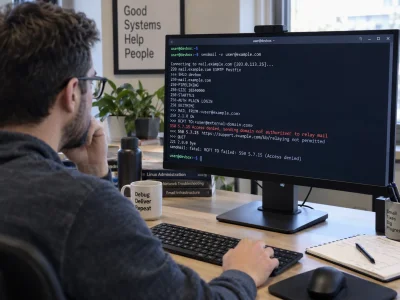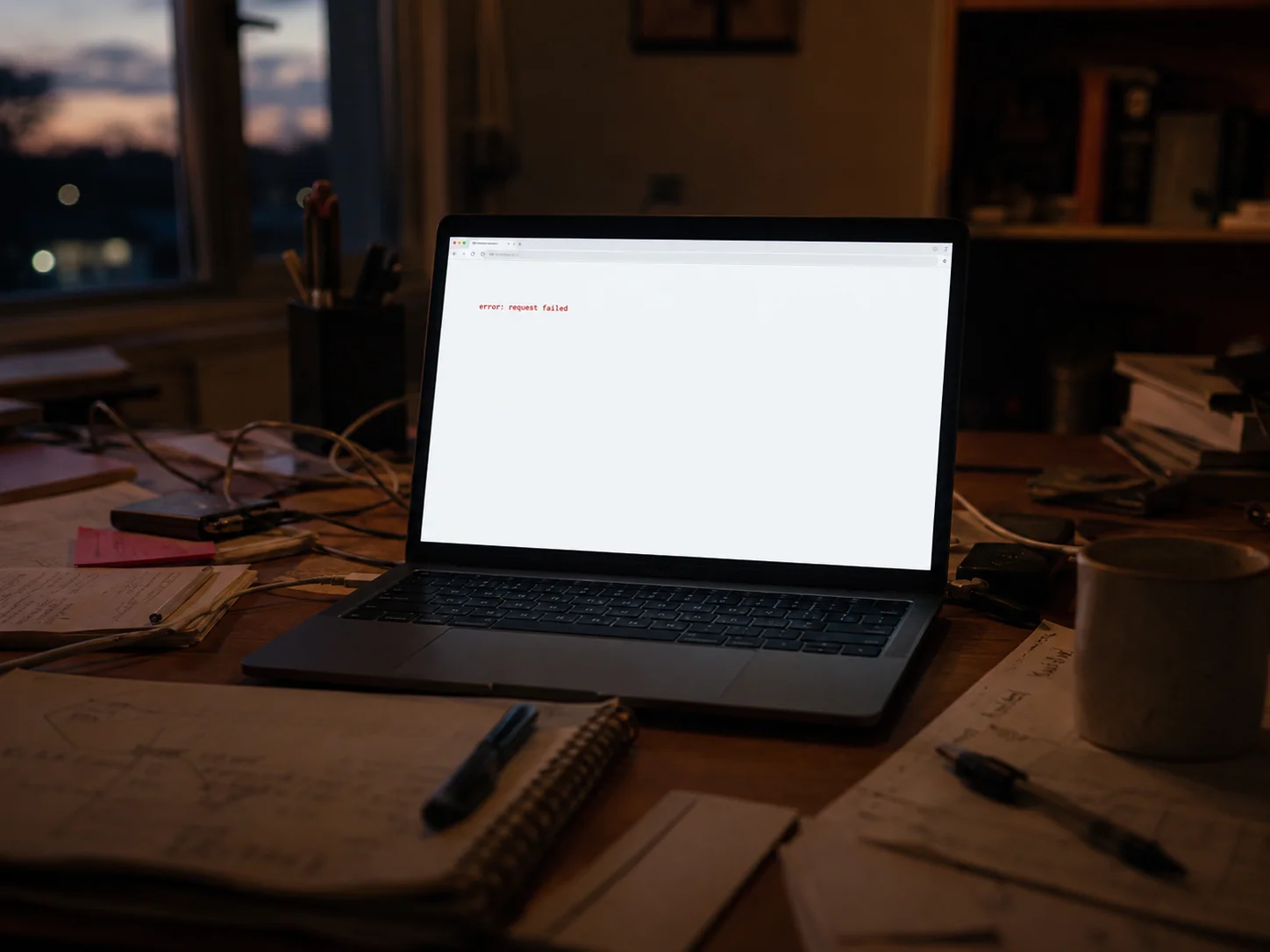
On Wednesday afternoon, Austin Ginder started getting the messages that ruin a week. Client sites down. Not slow, not glitchy. White screens where homepages used to be. Ginder runs Anchor Hosting, and by the time he finished counting, 124 of the 332 production sites in his care had thrown a PHP fatal error. That is roughly a third of the book, all at once, all on the afternoon WordPress 7.1 shipped.
"just had all of my WP Rocket customers sites go offline," he posted, in the flat voice of someone already opening a terminal.
WordPress 7.1, nicknamed Mary Lou, landed Wednesday, August 19, on the last day of WordCamp US in Phoenix. It is a big release. More than 800 contributors, over 1,500 enhancements and fixes, a new media editor, responsive styling controls, Notes with mentions, an Icon API, browser-based image processing. Almost none of that is why your inbox got interesting this week.
The short version
Four days in, the real list of WordPress 7.1 update problems is short: one mass outage and one slow-burn workflow problem. The outage came from a third-party caching plugin, not from core, and it has a fix. The workflow problem comes from a core change that is permanent by design, and for a lot of sites there is no clean fix that a non-developer can apply. Everything else being passed around as a 7.1 horror story is either unconfirmed, or flatly untrue. If you are triaging on a Sunday night, those are your two piles.
The outage: a caching plugin and a bug report that sat for six weeks
The WP Rocket fatal error is the story of the week, and it is worth understanding precisely, because the shape of it says more than the fix does.
WordPress 7.1 changed how core generates identifiers for hook callbacks. Under PHP 8, which enforces types strictly, that change collided with a line inside WP Rocket's Cloudflare integration file that expected a string and got an integer. The result is not a warning. It is a hard stop: no site, no admin, nothing. It only fires when certain other plugins are active alongside it, which is why some sites sailed through Wednesday and others died on contact.
The bug had been filed on GitHub on July 6, against a 7.1 alpha, by a user who included the one-line fix in the report. It sat for about six weeks. WordPress 7.1 went out Wednesday. Sites went down Wednesday. The patched build, version 3.23.2.2, arrived Saturday, August 22. Earle Davies, a senior WordPress developer at Aristotle, said he was "speechless" that a filed issue had gone untouched that long, in The Repository's account of the week. WP Rocket's own response was to promise a review of how the July report was handled.
If you are on WP Rocket and your site is currently down, the recovery is unglamorous and it works. Get into your host's file manager or FTP, rename the folder at wp-content/plugins/wp-rocket to anything else, and your admin comes back. Update WP Rocket to 3.23.2.2, then rename the folder back. WP Rocket has published its own recovery guide with the exact steps. If you have not updated core yet, update the plugin first, then WordPress. That order matters.
None of this was a WordPress bug. It was a maintenance bug, in the sense we wrote about earlier this month when we argued that a plugin being "maintained" is not the same as a plugin being watched. A fix sitting unreviewed in a public issue queue for six weeks is exactly the failure mode that piece described, and this time it took a third of somebody's clients offline.
The slow burn: your custom blocks moved into a 280 pixel sidebar
The second problem has no such tidy ending.
WordPress 7.1 makes the iframed block editor unconditional. Previously the post editor loaded inside an iframe only under certain conditions, depending on theme type and block API version. As of 7.1 it is always iframed, with no documented way to opt out. Core made this change deliberately, and it is not coming back.
For most people this is invisible. For sites built on legacy Advanced Custom Fields blocks, it is not. ACF Blocks V2 compatibility broke on contact: custom blocks that used to be editable in place, in the canvas, where you could see them at full width, now push their fields into the narrow right-hand sidebar. Agency owners on the ACF forums have described whole client portfolios becoming unpleasant to edit overnight. One user's advice to everyone else was blunt: "Do not update to 7.1 if you want to keep the blocks usable."
ACF's position is that there is no setting, in core or in ACF, that restores the old in-canvas form. The path forward is migrating those blocks to ACF Blocks V3, which brings back an expanded editor. That migration is developer work. It is not a checkbox.
Two things worth saying plainly here. First, if a third-party plugin from GitHub is circulating in your community as a workaround for this, at least one user has reported it crashing sites. Do not install it. Second, rolling back core to 7.0.4 and pausing updates is a legitimate temporary move, and several agencies did exactly that this week. It is a stay of execution, not a solution, and every week you sit on 7.0.4 is a week of security updates you are not getting.
Meta Box, for what it is worth, told its users they could upgrade without changes, because its blocks already use the current block API. The difference between those two experiences is four years of migration work, done or not done.
Real risks that have not bitten anyone yet
Two changes in 7.1 are being written about as though they have already caused damage. As of Sunday evening, they have not, and honest plugin compatibility check work means keeping those categories separate.
The admin post list markup change
WordPress restructured the post list table for accessibility reasons. The row header moved off the checkbox column and onto the post title column, so the checkbox cell became a plain data cell and the title cell became the header. Any custom CSS or JavaScript written against the old structure can break. Core's own dev note tells developers to write selectors that cover both shapes.
This is a genuine risk. It is also, four days in, entirely theoretical: there are no support threads reporting it. Search Engine Journal reviewed the major SEO plugins and concluded Yoast, Rank Math and All in One SEO were unlikely to be affected. If you have custom admin styling, check your post list screen. If you do not, move on.
Client side media processing
Client side media processing is on by default in supporting browsers, which means image compression, resizing and thumbnail generation now happen in the visitor's browser rather than on your server. Firefox and Safari fall back to the server. The change also causes attachment metadata generation to run twice per upload, which can confuse plugins that watermark, sync to a CDN, or otherwise assume they run once.
Nobody has reported an upload failure yet. If yours misbehaves, the switch that turns this off is a single filter, wp_client_side_media_processing_enabled, returning false. Your developer will know what to do with that sentence.
Two claims about 7.1 that are simply wrong
The Classic block was not hidden from the inserter. That plan existed in June and was reversed on July 7. The filter that would have enabled it was removed from core entirely. The Classic block is still in your inserter, unchanged, and any guide telling you otherwise was written from a stale roadmap.
And there is no widespread metabox breakage. Classic PHP meta boxes render outside the iframe and are behaving normally. The confusion comes from conflating them with custom blocks, which is a different problem with a different cause. If somebody tells you 7.1 broke metaboxes, ask them which plugin, and watch what happens.
When 7.1.1 arrives
It does not exist yet. On August 20, core put out a call for 7.1.x release managers, asking for volunteers by August 28, and described the timing, in its call for volunteers, as a "guesstimated release date between 1 September and 24 September." No specific bugs are named in that post. Anyone quoting you a firm WordPress 7.1.1 release date is guessing.
Which gives risk-averse site owners a defensible position: sit on 7.0.4 for another two or three weeks, keep your plugins current, and let the first maintenance release do its job. That is a real strategy. It stops being one if you are still sitting there in November.
What to actually do this week
If you run WP Rocket, update it to 3.23.2.2 before you touch core. If you already updated core and your site is down, rename the plugin folder to get back in. If you edit content through custom ACF blocks, look at your editor before you update anything, because that is the problem you cannot undo from the dashboard.
Then do the boring thing, which is the only thing that has ever worked. Clone to a staging copy, update the copy, and click through the three screens that matter: edit a post, upload one image, load your post list. Staging site testing costs twenty minutes and catches nearly all of this. Any plugin that has not been updated in a year is your first suspect, and if the worst happens anyway, our panic-mode repair guide covers the recovery sequence in order.
The uncomfortable lesson of this week is not about WordPress 7.1 at all. Core did what core said it would do, on the schedule it published, with dev notes going back to July. The outage came from the gap between a fix existing in public and a fix being shipped. Six weeks is a long time for a one-line patch to wait. Rolling back a WordPress update is the move that saved a lot of people this week, and it is worth noticing that the thing which saved them was the ability to go backward, not anyone's ability to see it coming.